

The Loyalty platform lets you export the results of an Analytics Query for use in another platform or system. When you initiate the export process, the platform automatically refreshes the Query so you're exporting the latest information.
To export the results of an Analytics Query:
-
Select Analytics from the top navigation bar, then select Settings > Queries from the side navigation menu. The Analytics Queries screen is displayed.
-
Optionally, search for and select the desired Query (see
-
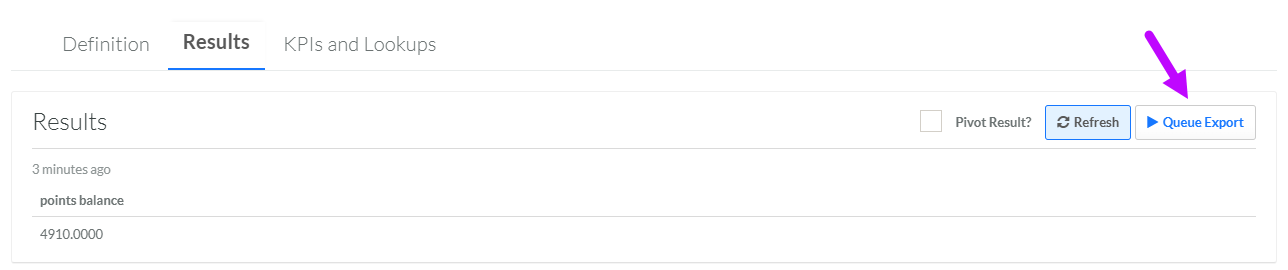
Select the Results tab.
-
Click Queue Export. The platform executes the Query. During the execution process, the Refresh and Queue Export buttons are disabled.
-
When the execution process is complete, a Download button is displayed. Click the Download button to download the results to your local PC.
